Command Palette
ichi gives you two ways to drive it by typing: a fuzzy-finding command palette and a Vim-style command line.
The command palette
Section titled “The command palette”Press Ctrl+P (or Ctrl+K) from anywhere to open the palette. Start typing and it fuzzy-matches across:
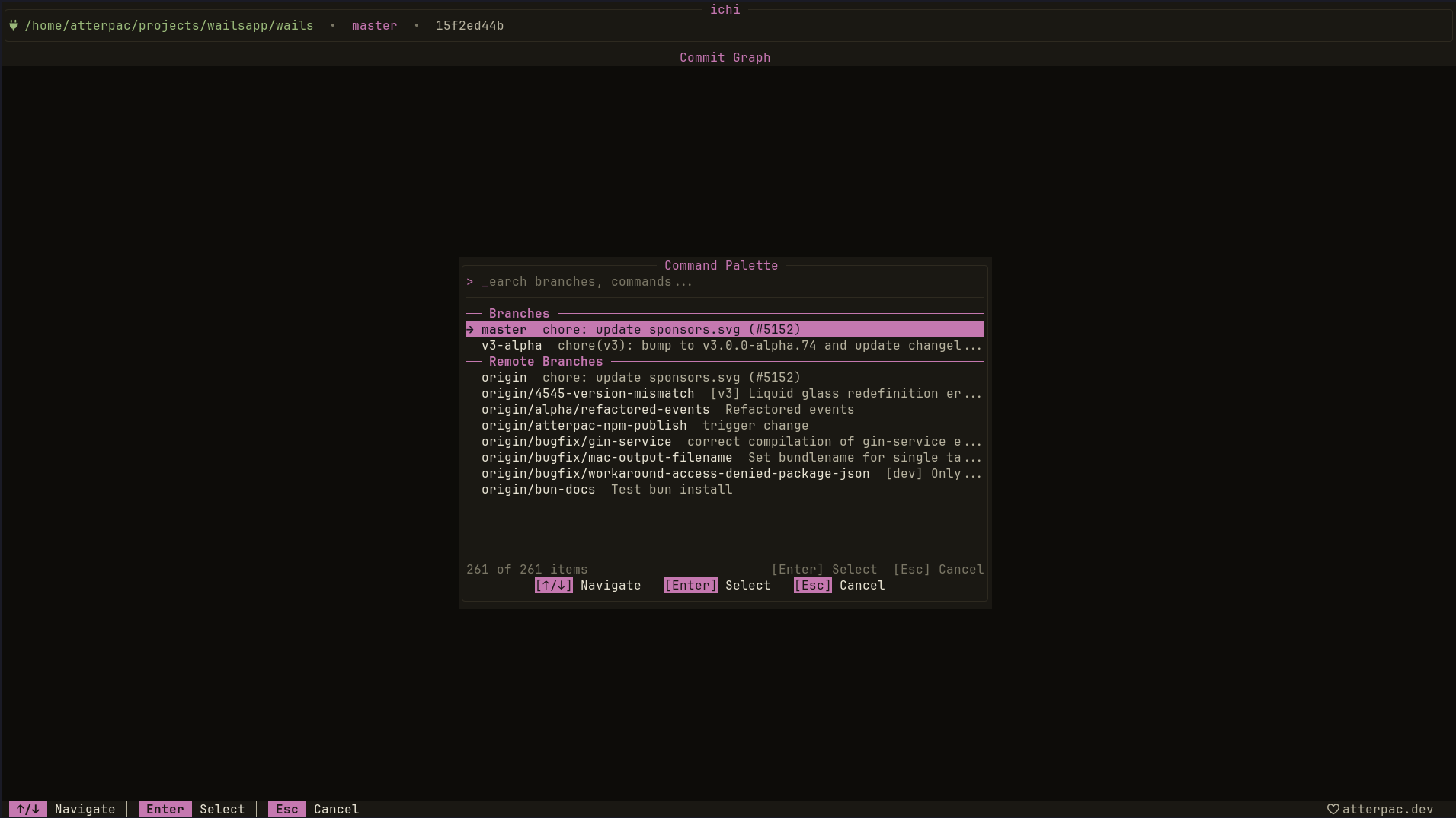
- Recent — what you used last
- Branches and Remote Branches — jump to or check out a branch
- Commands — any Git action ichi knows
- Navigation — switch to a view
Move through results with j/k (or the arrows) and press Enter to run the highlighted item. Esc closes the palette.
The palette is the fastest way to act when you know what you want but not which key or view it lives under — just type a few letters.
The command line
Section titled “The command line”Prefer typing the verb? Press : to open a command line and run a Git
command directly — like :rebase main.
The command line acts on whatever is selected in the current view — a commit, a branch, a stash. See the full command list in Keybindings & Commands.
Palette vs. command line
Section titled “Palette vs. command line”- Use the palette to search — branches, views, and actions, fuzzily.
- Use the command line when you already know the verb you want to type.
Both reach the same set of Git actions; pick whichever is faster in the moment.
Going further
Section titled “Going further”You can extend the command line with your own context-aware commands — shell templates that expand with the selected commit, branch, or file, render into any view, and optionally bind to a global key. See Custom Commands.