Staging & Committing
ichi’s staging workflow lets you build a commit at whatever granularity you need: whole files, individual hunks, or hand-picked lines.
The status view
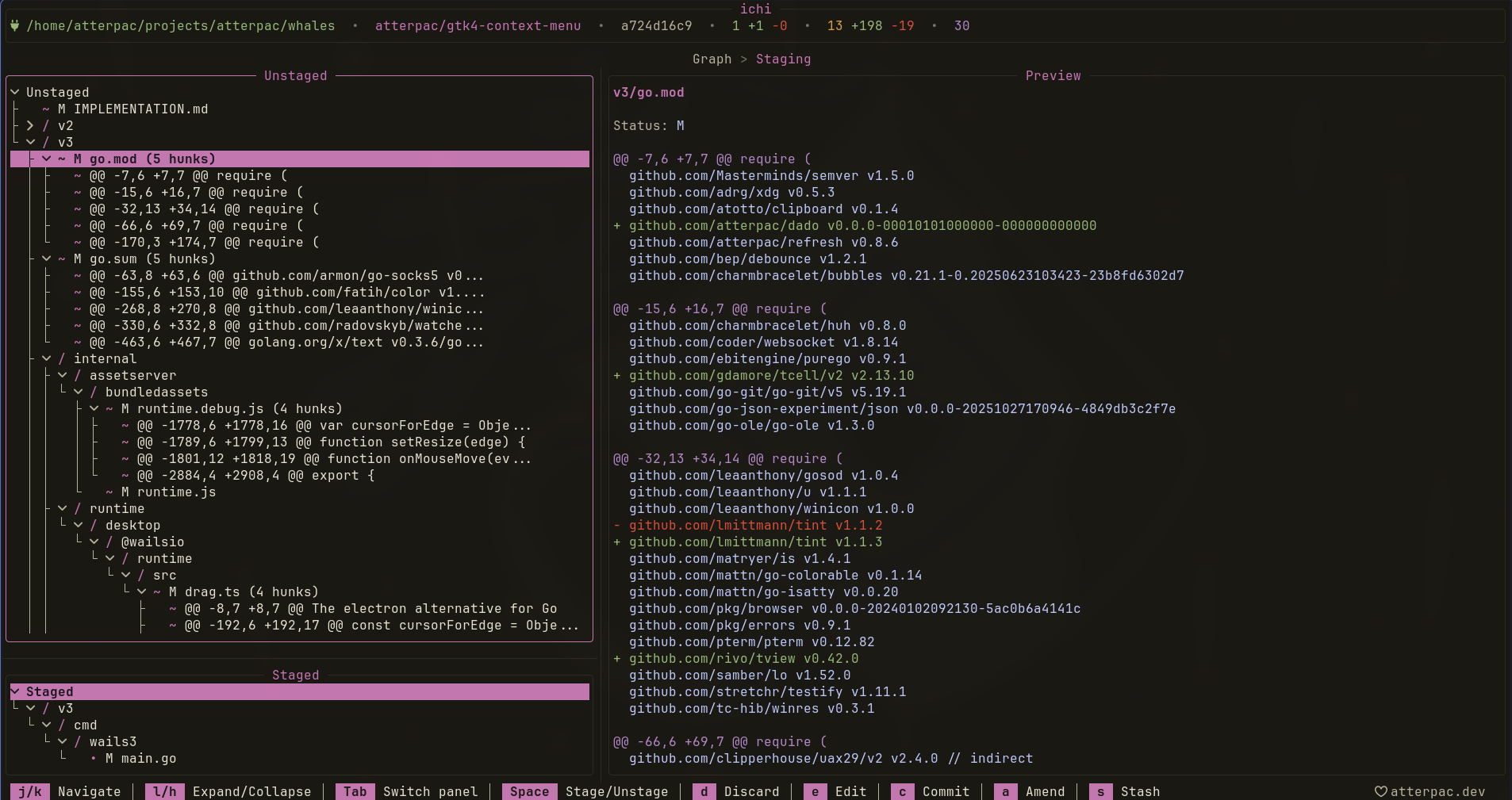
Section titled “The status view”Press s from the graph to open Status. It lists your changed files, separated into unstaged and staged.
| Key | Action |
|---|---|
| j / k | Move between files |
| Space | Stage / unstage the selected file |
| a | Stage all changes |
| u | Unstage all |
| d | Open the diff for the selected file |
| Tab | Switch between staged and unstaged |
| c | Commit |
The :w command also stages all changes in one step.
The staging workflow
Section titled “The staging workflow”For a focused review, the staging workflow puts your unstaged and staged file trees side by side with a live diff preview: move through the files on the left and see each one’s changes on the right.
Staging hunks and lines
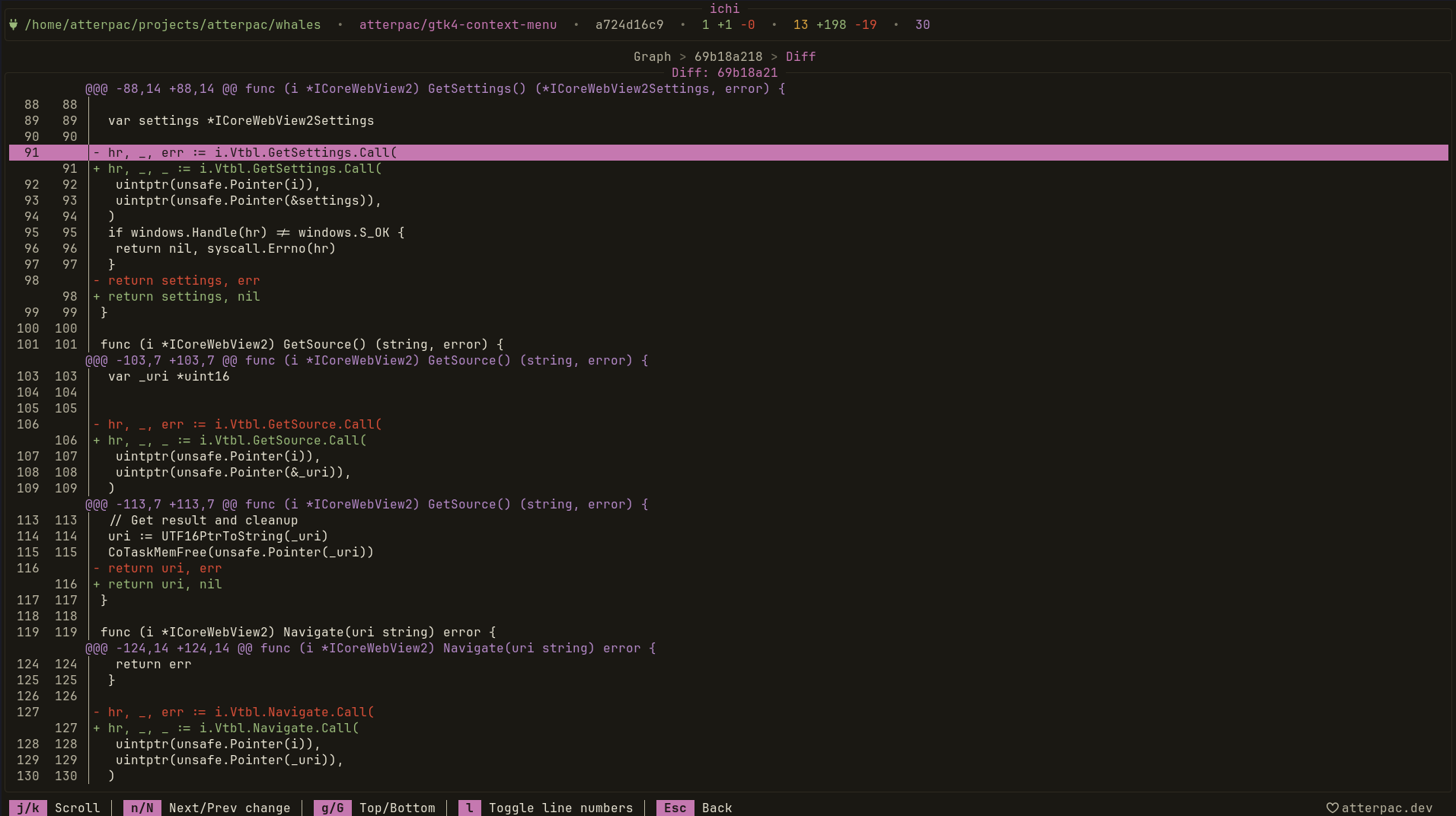
Section titled “Staging hunks and lines”For surgical commits, press d to open the diff, then stage at a finer grain — by hunk or by hand-picked lines:
| Key | Action |
|---|---|
| j / k | Move by line |
| J / K | Move by hunk |
| s | Stage the current hunk |
| Space | Select a line |
| Enter | Stage the selected lines |
| u | Unstage |
This is how you split a messy working tree into clean, focused commits without
dropping to git add -p.
Committing
Section titled “Committing”Once you’ve staged what you want, press c to open the commit dialog. Type your message and press Enter to confirm, or Esc to cancel.
In a hurry to commit and leave? :wq stages everything, opens the commit
dialog, and quits when you’re done.
- Push, Pull & Fetch to share your commits.
- Stashes to shelve work in progress instead of committing.