Stashes
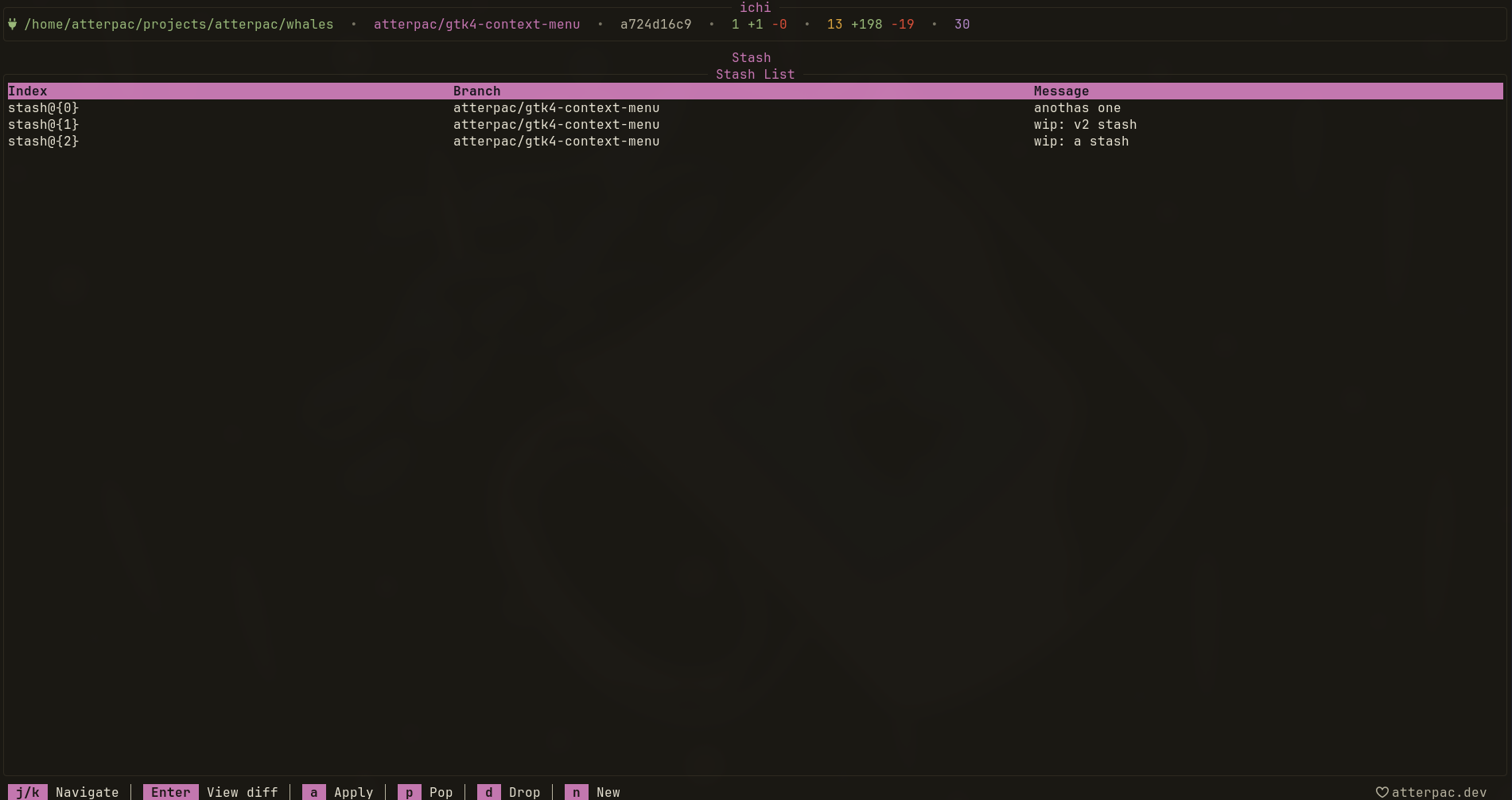
Stashes let you set aside uncommitted work without making a commit. Press S from the graph to open the Stash view, which lists your stash entries newest-first.
Navigating
Section titled “Navigating”| Key | Action |
|---|---|
| j / k | Move between stash entries |
| Enter | View the stash contents |
| / | Search stashes |
Restoring and removing
Section titled “Restoring and removing”| Command | Action |
|---|---|
:apply | Apply the selected stash, keeping it in the list |
:pop | Apply the selected stash and remove it |
:drop | Delete the selected stash without applying it |
Use :apply when you want to reuse the same shelved change more than once, and
:pop for the common “put it back and move on” case.
When to stash vs. commit
Section titled “When to stash vs. commit”Stash when you need to switch context quickly — pull a fix, check out another branch — but aren’t ready to record a commit. When the work is ready to keep, stage and commit it instead.
- Branches to switch context after stashing.
- Staging & Committing when the work is ready to land.