GitHub Pull Requests
ichi brings your GitHub pull requests into the terminal. Press p from the graph to open the Pull Requests view.
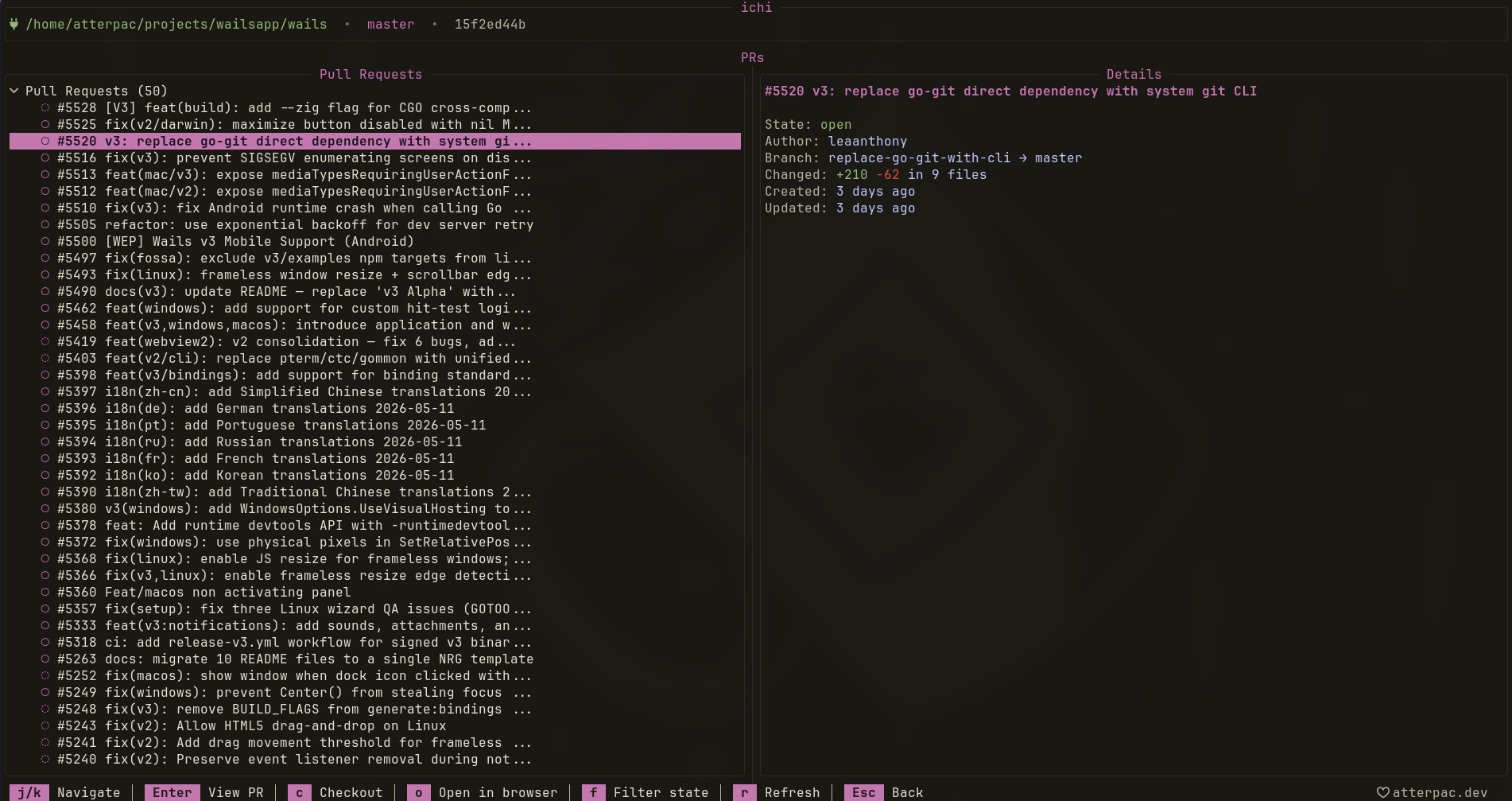
The PR list
Section titled “The PR list”| Key | Action |
|---|---|
| j / k | Move between PRs |
| Enter | Open the PR |
| c | Check out the PR’s branch locally |
| o | Open the PR in your browser |
| f | Filter by state (open / closed / all) |
| r | Refresh the list |
| Esc | Back |
Reviewing a PR
Section titled “Reviewing a PR”Press Enter on a PR to open its detail view, which is split into tabs:
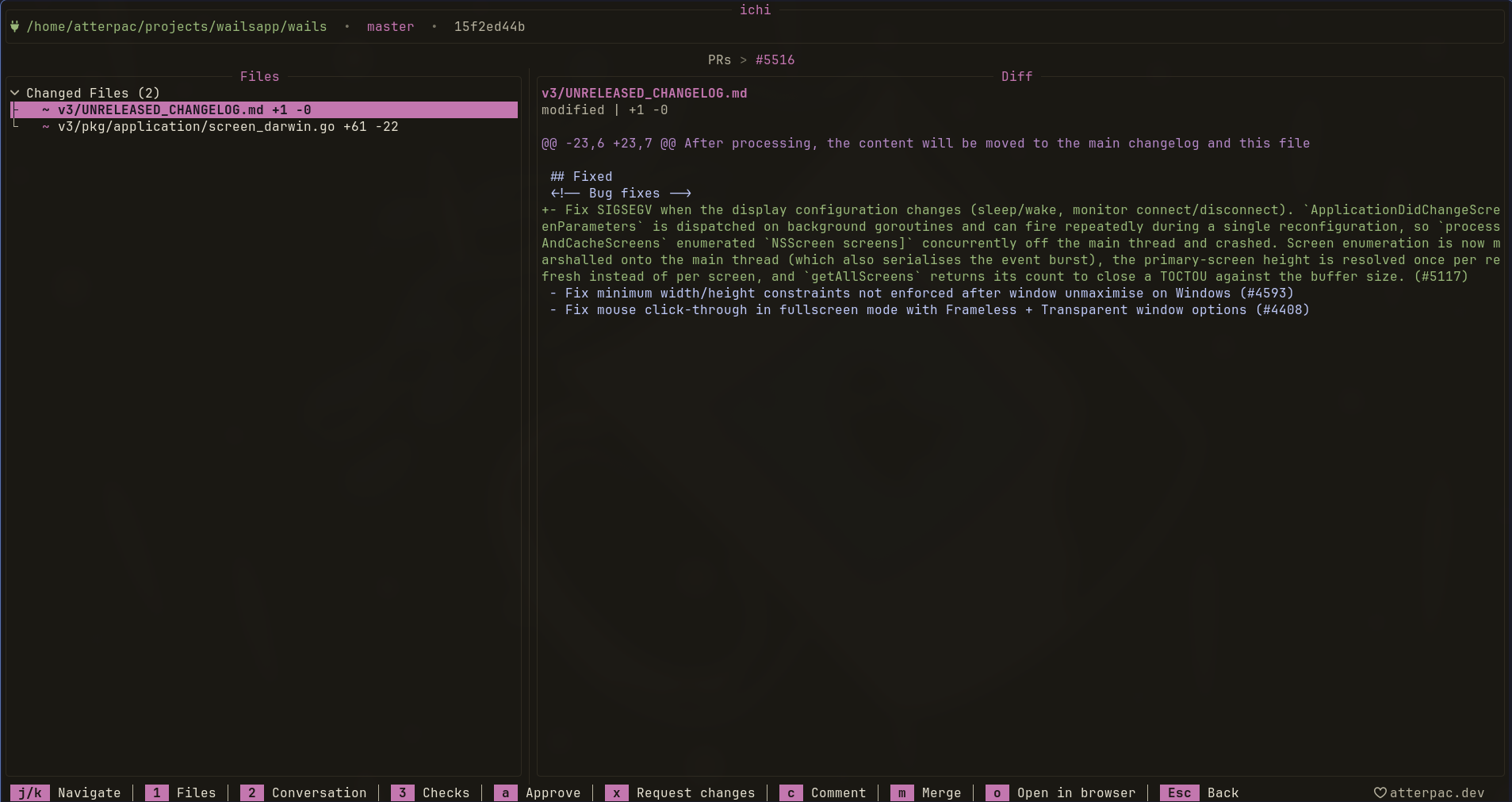
| Key | Tab |
|---|---|
| 1 | Files — the diff |
| 2 | Conversation — comments and reviews |
| 3 | Checks — CI status |
From the detail view you can review and act on the PR directly:
| Key | Action |
|---|---|
| a | Approve |
| x | Request changes |
| c | Comment |
| m | Merge |
| o | Open in browser |
| Esc | Back |
This means you can read the diff, leave a review, and merge — without opening a browser tab.
- Push, Pull & Fetch to update before reviewing.
- Branches after checking out a PR branch with c.